

In this tutorial, I will show you how to create a pop-up form that can be placed on a Pardot landing page. I will go over 2 methods, opening the pop-up form when a link is clicked and opening the pop-up on page load.
Getting Started
Before you get started, make sure you have a form and a landing page created.
Get the pages and files ready
We will be using Magnific Pop-up jQuery Plugin to create the pop-up in Pardot.
Step 1: Download the Files
Download the Javascript File and the CSS file by pressing CTRL + S on your keyboard and saving it to your desktop.
Step 2: Upload files to Pardot
Now you will need to upload the 2 files you just downloaded to Pardot under Content > Files.
Copy and paste the URLs of the uploaded files into a word or text document. You will need these in step 3.
Step 3: Add the files to your layout template
Add the CSS file
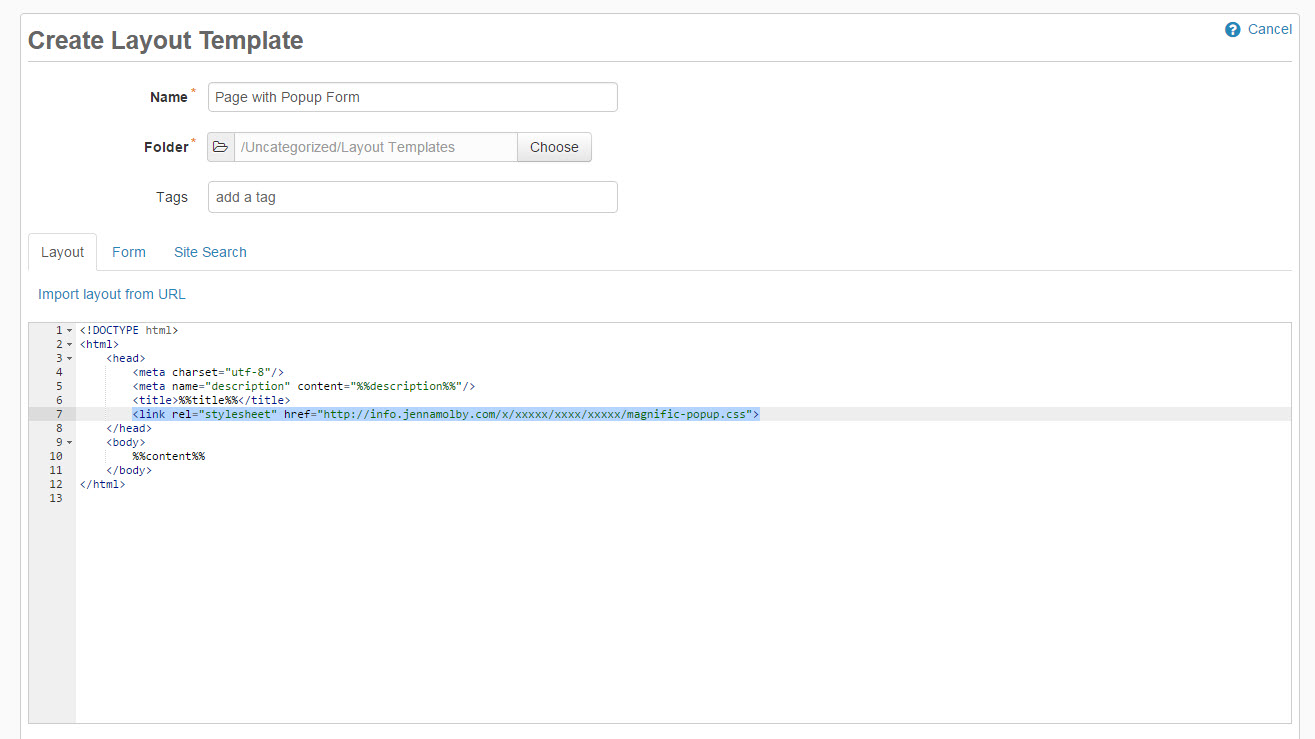
At the top of the page, somewhere within the <head> </head> tags, link the CSS file.
Make sure you change the pop-up CSS URL to the Pardot content URL.
Add the JavaScript Files
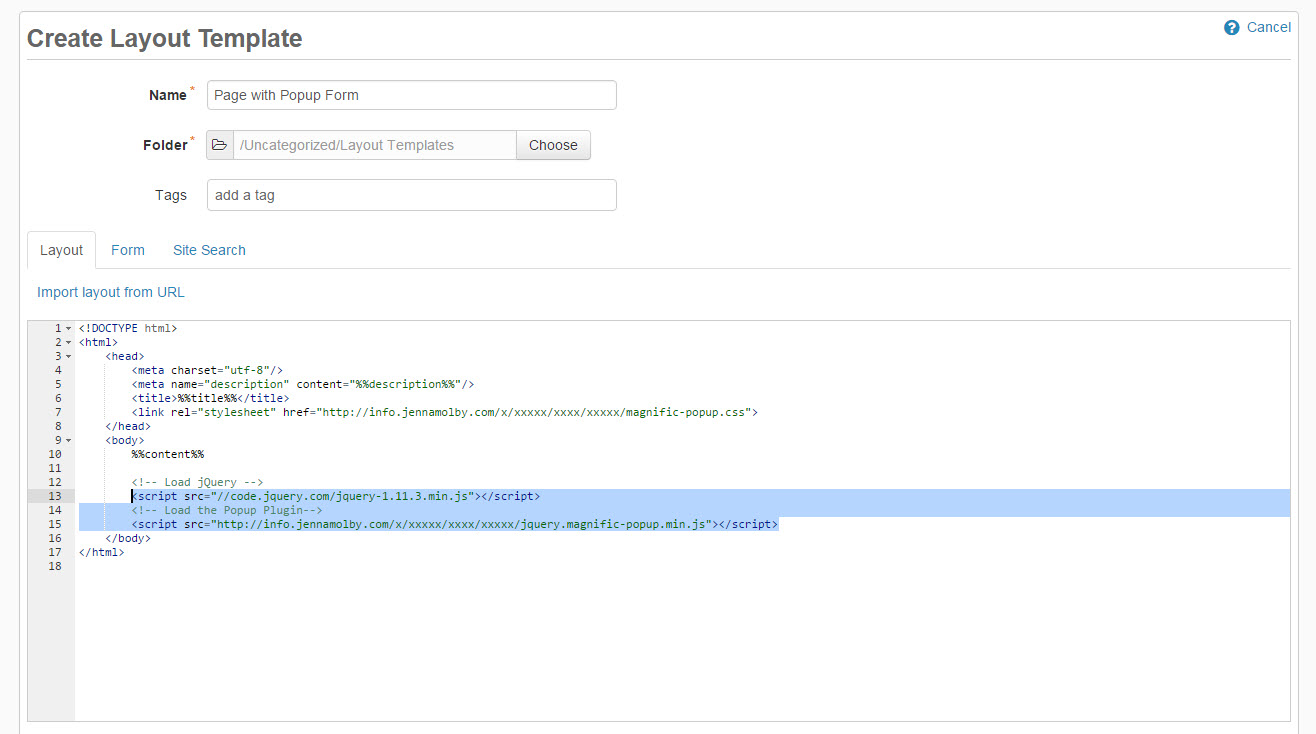
Open up your layout template, scroll down to the bottom of the page and add the following script right before the closing </body> tag.
Make sure you change the pop-up plugin URL to the Pardot content URL.
Open The Pop-up on Click
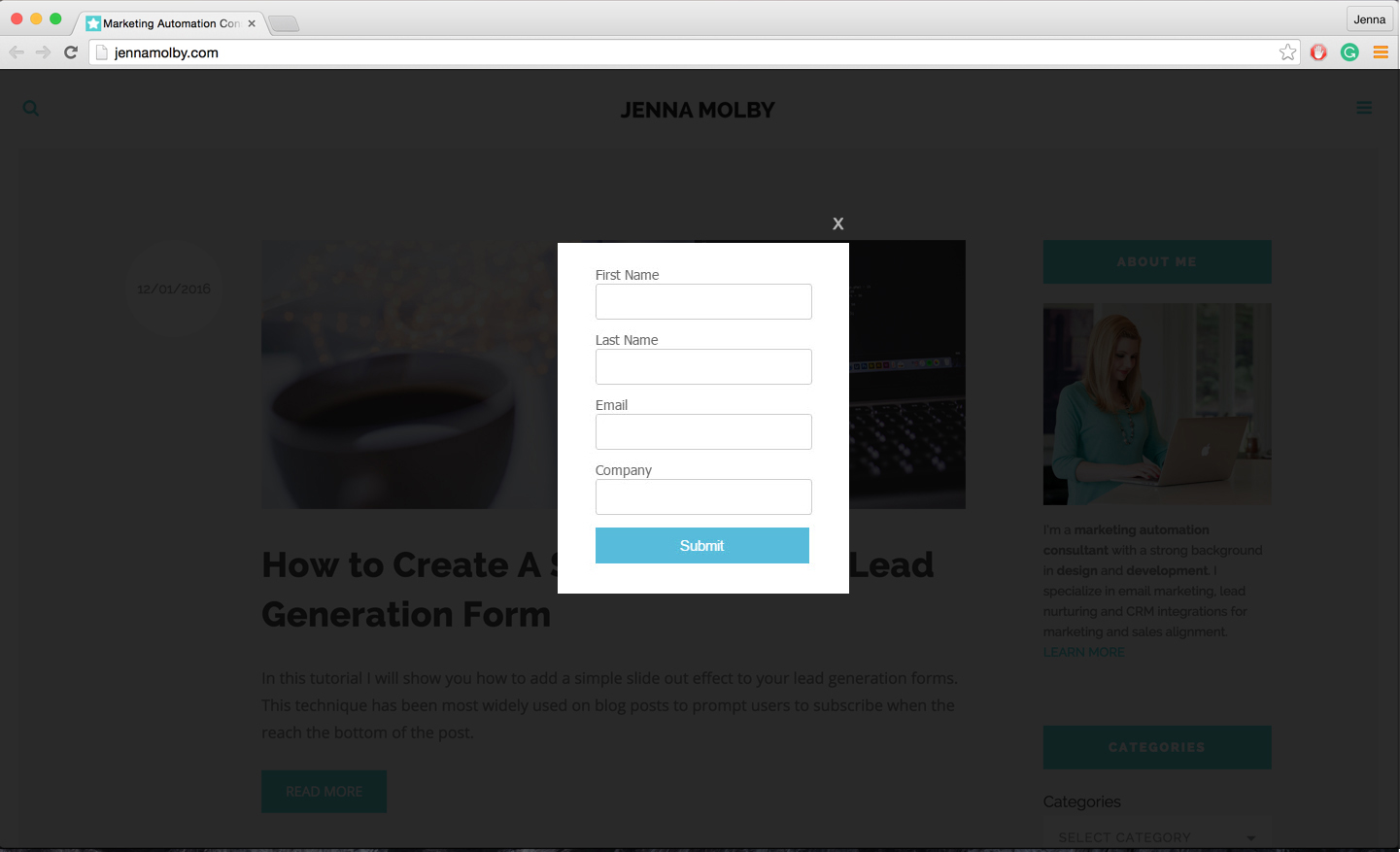
To open the pop-up form on click add this piece of code where you want the link or button to appear.
Open form
Add this javascript code right before the closing </body> tag.
$(document).ready(function() {
	$('.popup-with-form').magnificPopup({
		type: 'inline',
	});
});
Open The Pop-up on Page Load
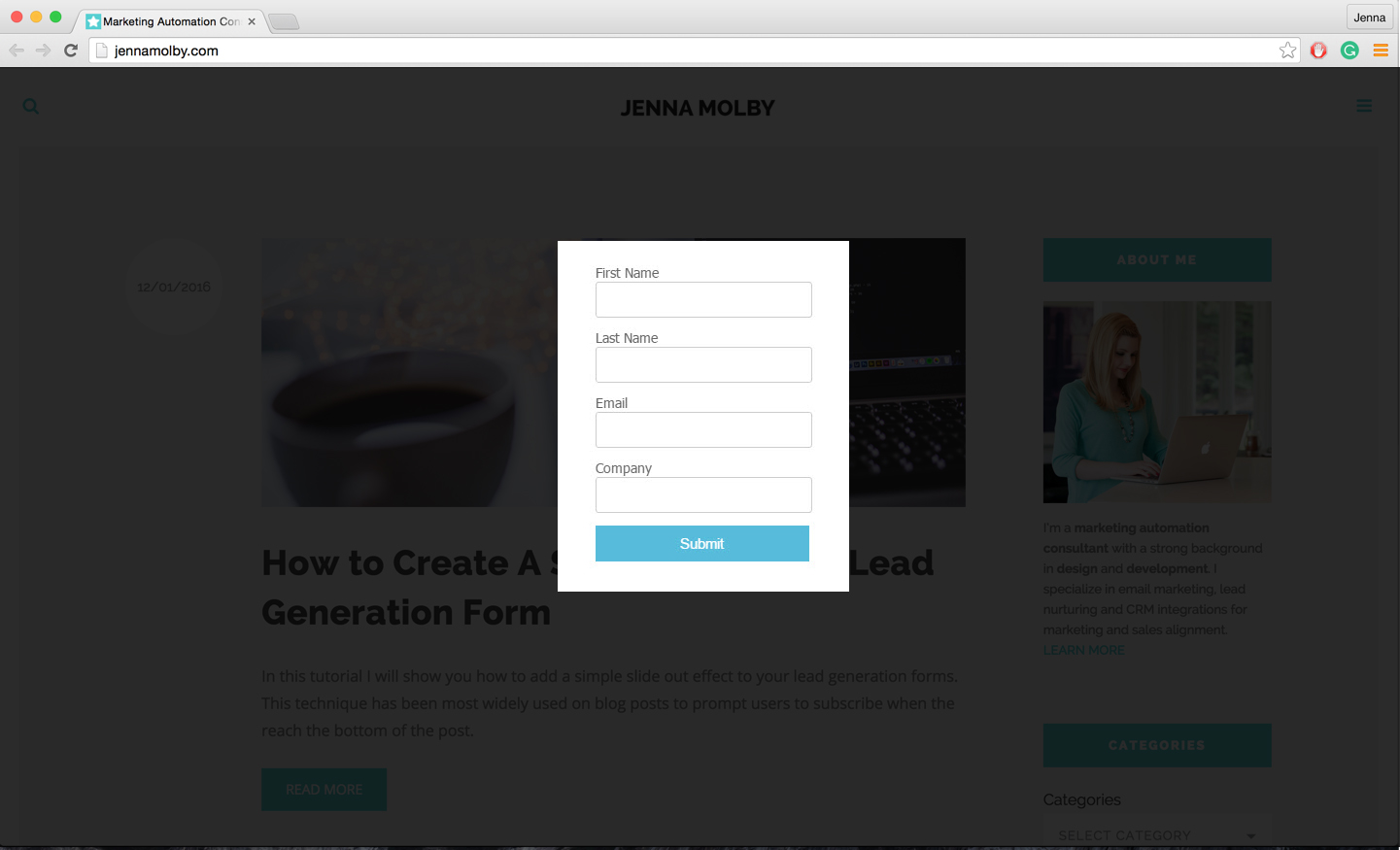
To open the pop-up form when the page loads add this HTML anywhere in the body of your page.
add this javascript code right before the closing </body> tag.
$(document).ready(function() {
     $.magnificPopup.open({items: {src: '#my-form'},type: 'inline'}, 0);
});
You can remove the ability to close the pop-up, so the user has to input their information to continue, by adding modal:true to the JavaScript.
$(document).ready(function() {
    $.magnificPopup.open({items: {src: '#my-form'},type: 'inline', modal:true}, 0);
});

33 Comments
Hi,
I am a bit confused. Should this code be applied to a layout for the form or the web page itself where we wawnt the pop-up to appear?
Hi Charrity, This method is using a Pardot landing page.