

In this tutorial, I will show you how to create a pop-up form that can be placed on a Pardot landing page. I will go over 2 methods, opening the pop-up form when a link is clicked and opening the pop-up on page load.
Getting Started
Before you get started, make sure you have a form and a landing page created.
Get the pages and files ready
We will be using Magnific Pop-up jQuery Plugin to create the pop-up in Pardot.
Step 1: Download the Files
Download the Javascript File and the CSS file by pressing CTRL + S on your keyboard and saving it to your desktop.
Step 2: Upload files to Pardot
Now you will need to upload the 2 files you just downloaded to Pardot under Content > Files.
Copy and paste the URLs of the uploaded files into a word or text document. You will need these in step 3.
Step 3: Add the files to your layout template
Add the CSS file
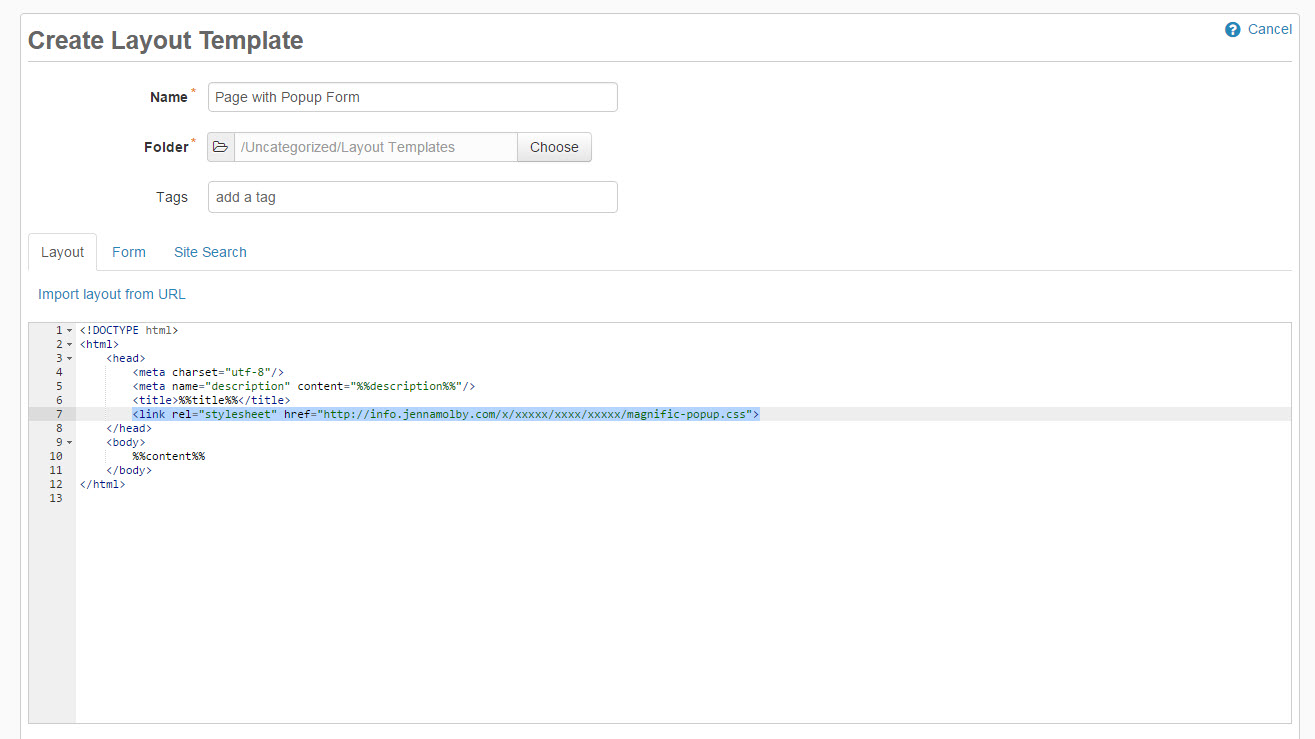
At the top of the page, somewhere within the <head> </head> tags, link the CSS file.
Make sure you change the pop-up CSS URL to the Pardot content URL.
Add the JavaScript Files
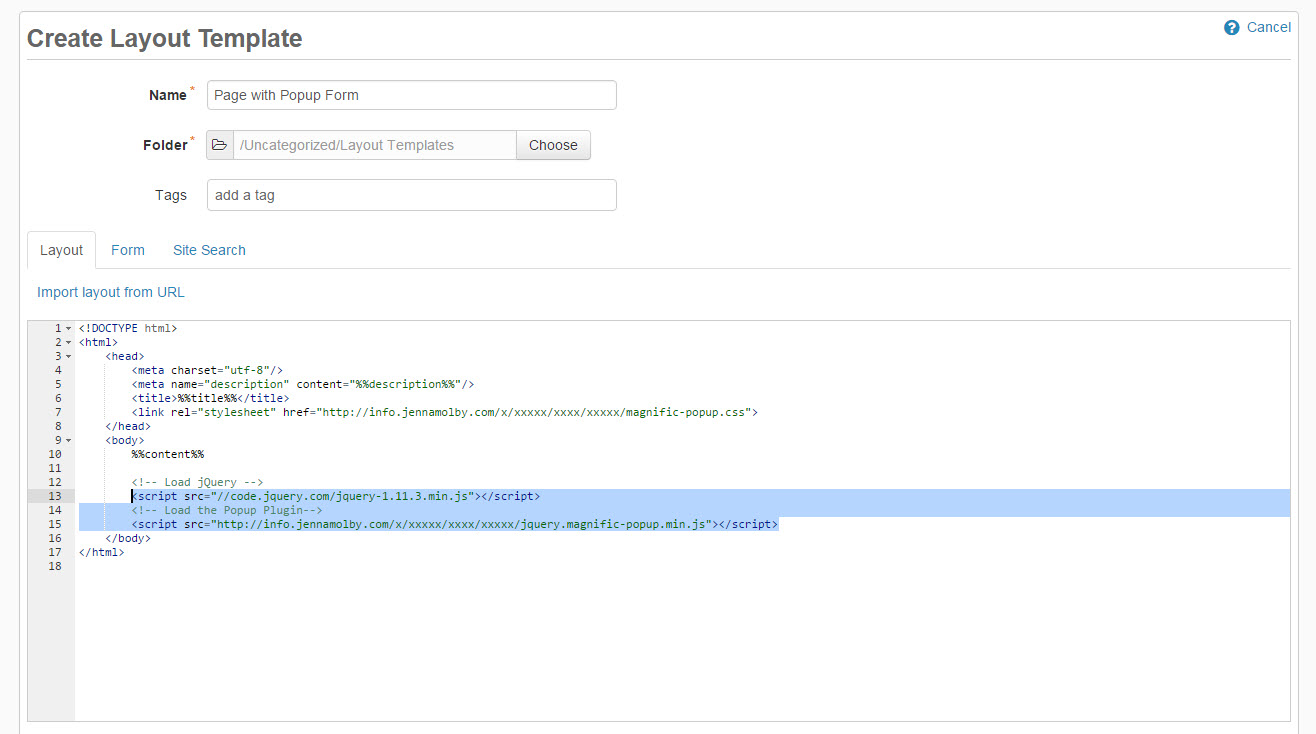
Open up your layout template, scroll down to the bottom of the page and add the following script right before the closing </body> tag.
Make sure you change the pop-up plugin URL to the Pardot content URL.
Open The Pop-up on Click
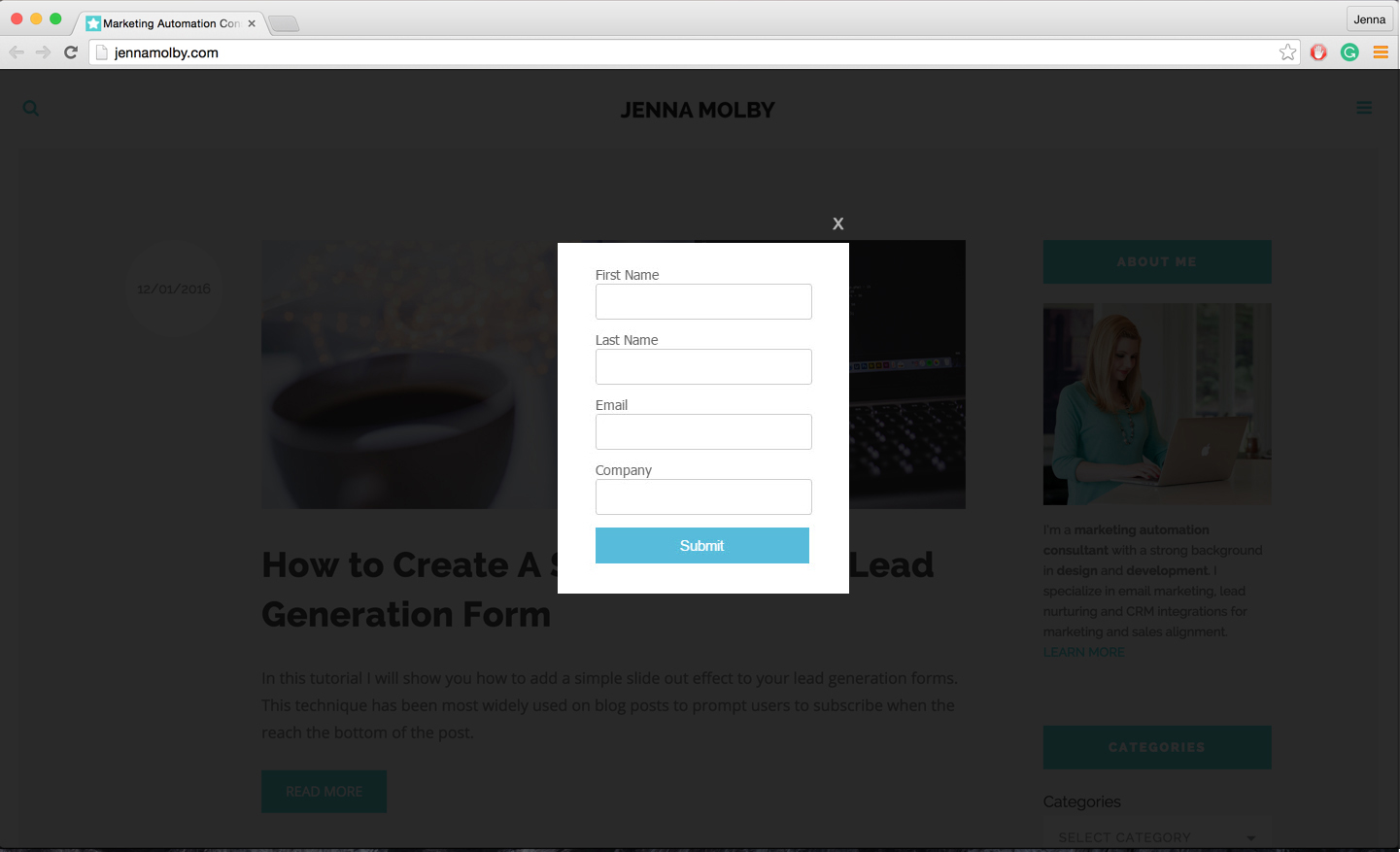
To open the pop-up form on click add this piece of code where you want the link or button to appear.
Open form
Add this javascript code right before the closing </body> tag.
$(document).ready(function() {
	$('.popup-with-form').magnificPopup({
		type: 'inline',
	});
});
Open The Pop-up on Page Load
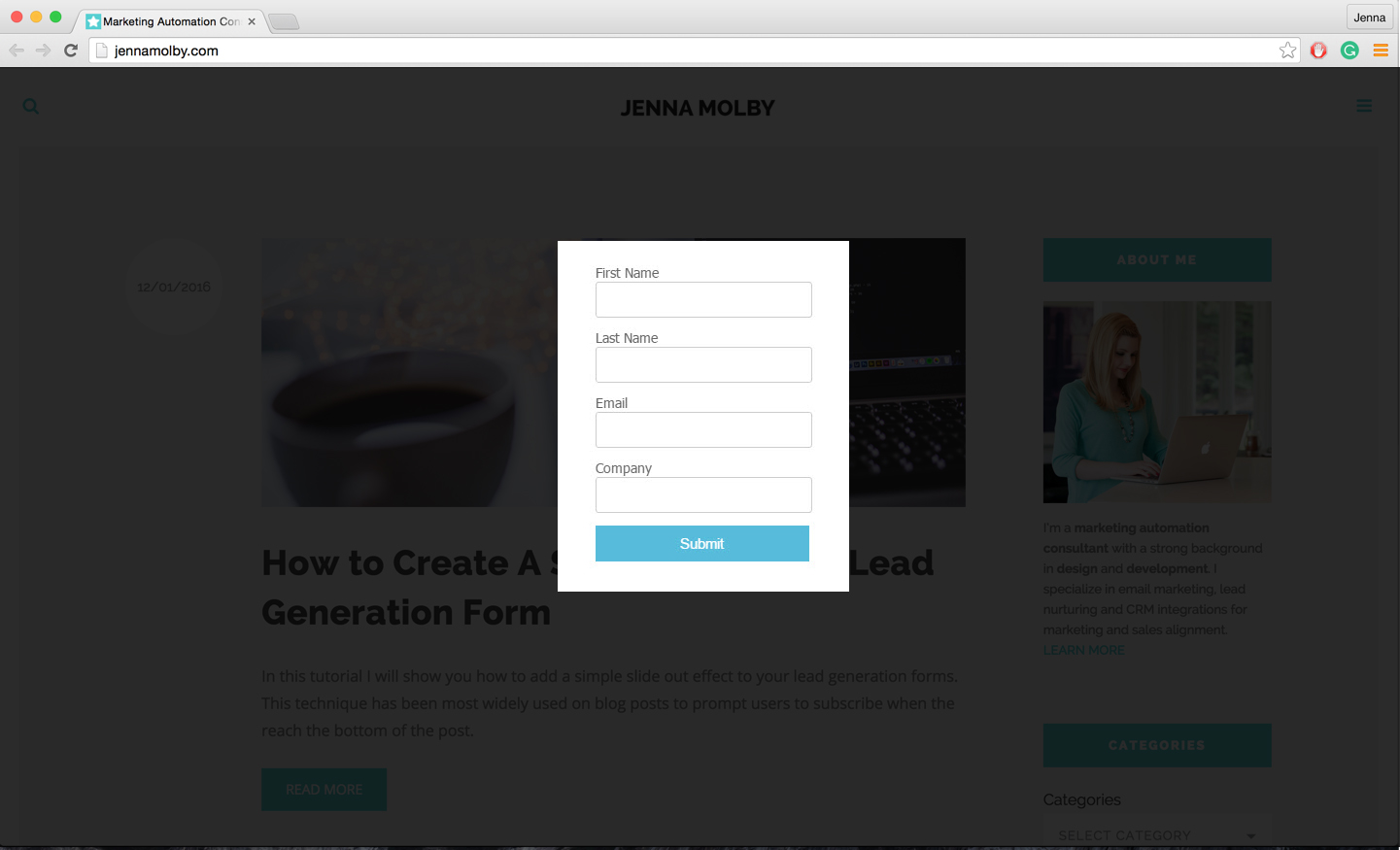
To open the pop-up form when the page loads add this HTML anywhere in the body of your page.
add this javascript code right before the closing </body> tag.
$(document).ready(function() {
     $.magnificPopup.open({items: {src: '#my-form'},type: 'inline'}, 0);
});
You can remove the ability to close the pop-up, so the user has to input their information to continue, by adding modal:true to the JavaScript.
$(document).ready(function() {
    $.magnificPopup.open({items: {src: '#my-form'},type: 'inline', modal:true}, 0);
});

33 Comments
I’m eager to make this work for me, however, even when inserting all the appropriate files and code, clicking the link only directs the user to the form page which has all the filler pardot text. Can you help me understand what I am missing?
Hi Selina, Please email the link to your landing page to [email protected] and I can help you troubleshoot. Cheers, Jenna
Is it possible to use this solution to show a block of text in a pop-up (like Terms and Conditions)? If not – do you know of a solution for that?
Hi Kevin, Yes, it’s possible. Check out the documentation for the plugin: https://dimsemenov.com/plugins/magnific-popup to learn how to do this. Cheers, Jenna
Thanks for posting! Super helpful for marketers who don’t always want to show a field to prospects as soon as we get them to the page.
One issue I’m running into is having the height of the popup window resize to the form height when using either progressive profiling or dependent fields. Would you have any suggestions on how to adjust the code for that?
Hi Shannon, So happy you found it helpful! Can you share a link to the page with me? You can email me at [email protected]. Cheers, Jenna
Great tutorial, thank you. I want to display the completion message in the popup box after submission. Is there any way I can do that?
Hi Peggy, Thank you! There’s no way to do it with an embedded form using the %%content%% method because Pardot refreshes the page in order to display the ‘thank you’ message. You can, however, embed your form using the iFrame method and it will show the ‘thank you’ message within the pop-up. Hope that helps! Cheers, Jenna
I was facing a similar issue with the form reload on errors and Bootstrap JS. I worked around the issue by adding a small JS looking for the error string added by Pardot and, subsequently, forcing the modal to re-open. I am a JS newbie and the code is probably not that good, but it is working for me and I hope it helps.
Here is what I did:
window.onload = function(){
if (document.body.innerHTML.toString().indexOf(‘errors below’) > -1) {
$(“#exampleModal”).modal();
}
}