Flex fields are custom fields that can be used over and over again to limit the number of one-time-only fields within Pardot and Salesforce. They contain data that is required temporarily to execute a specific event or campaign. Once the data is no longer needed, the fields can be reset to blank using an Engagement Program or Automation Rule

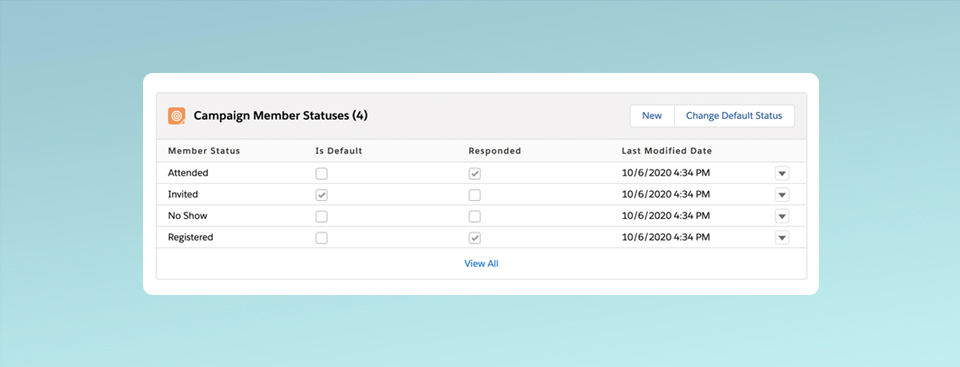
New campaigns in Salesforce have two default member status values: “Sent” and “Responded”. To customize the values, you can create them manually, set up “campaign templates” to copy the status values or bulk create the values using Data Loader. Now, thanks to one of the Summer ’20 updates, you can easily automate this process using only Salesforce Flow. In this post, I’ll show you how to use Salesforce Flow to create campaign member statuses automatically based on campaign type.
Your event or webinar has finished and now it’s time for Sales to follow up on those leads. A great way to automate Sales follow up is to create an automated engagement program in Pardot to send out emails on the Sales Rep’s behalf and create follow up tasks automatically in Salesforce.