

Create beautiful, responsive landing pages in Pardot by using one of these 2 free Pardot layout templates. These landing page templates are designed specifically for events such as webinars or trade shows, but they will work well with any landing page that contains a form.
Terms
These templates are free for both commercial and personal projects. No attribution is required, however, if you use them I would love to see how you customize them. Share your templates with me through Twitter, email, or in the comments below.
Preview the Templates
Template 1
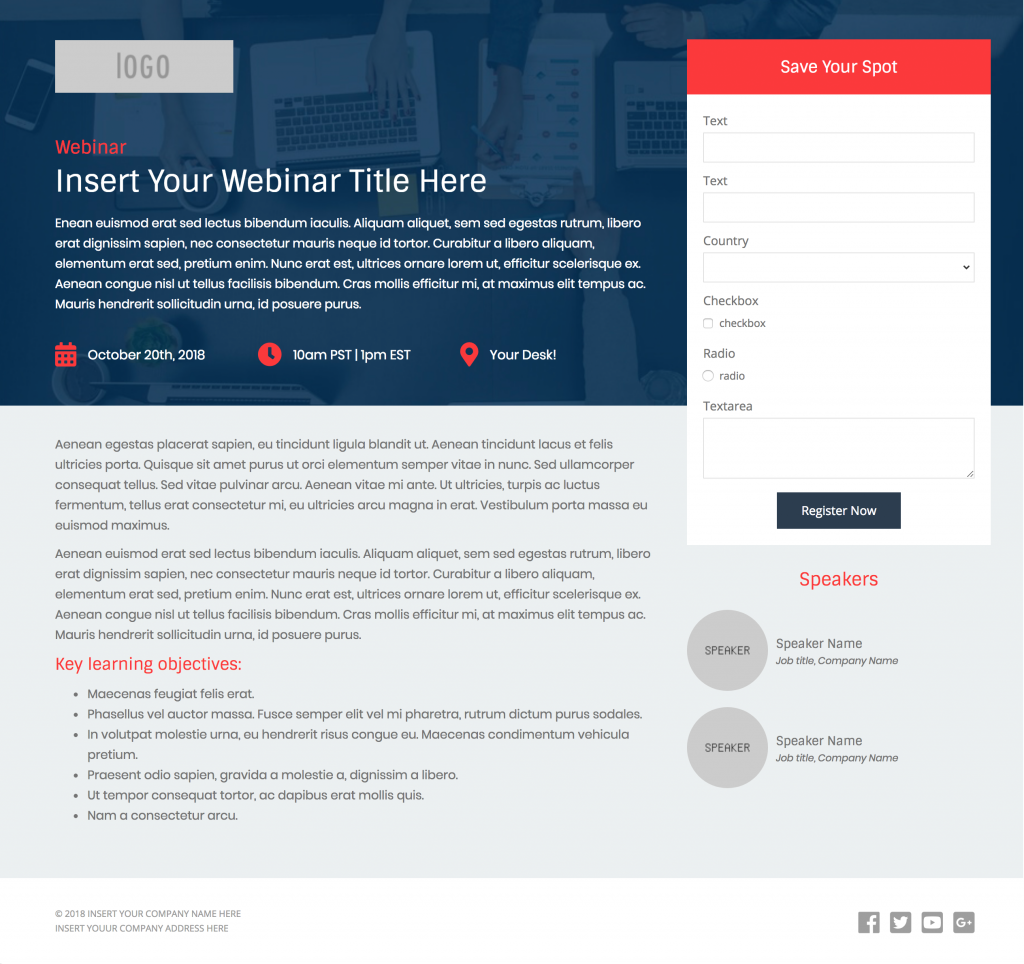
Template 2
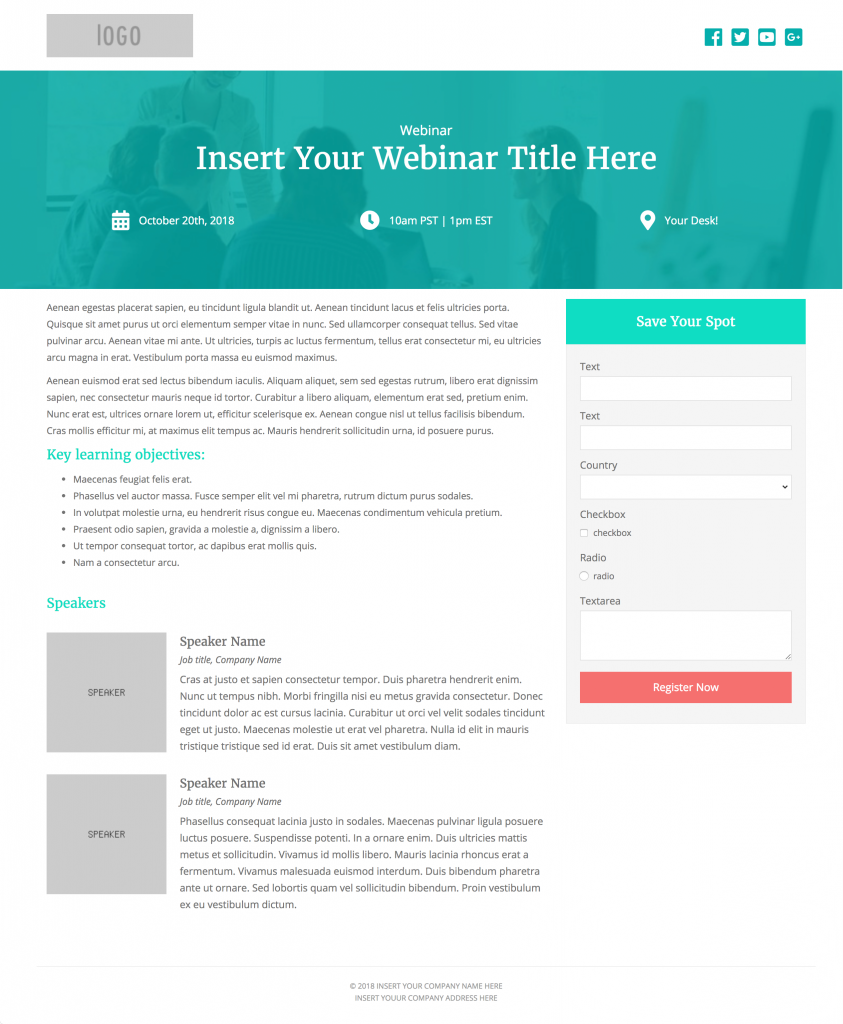
How to Use the Templates
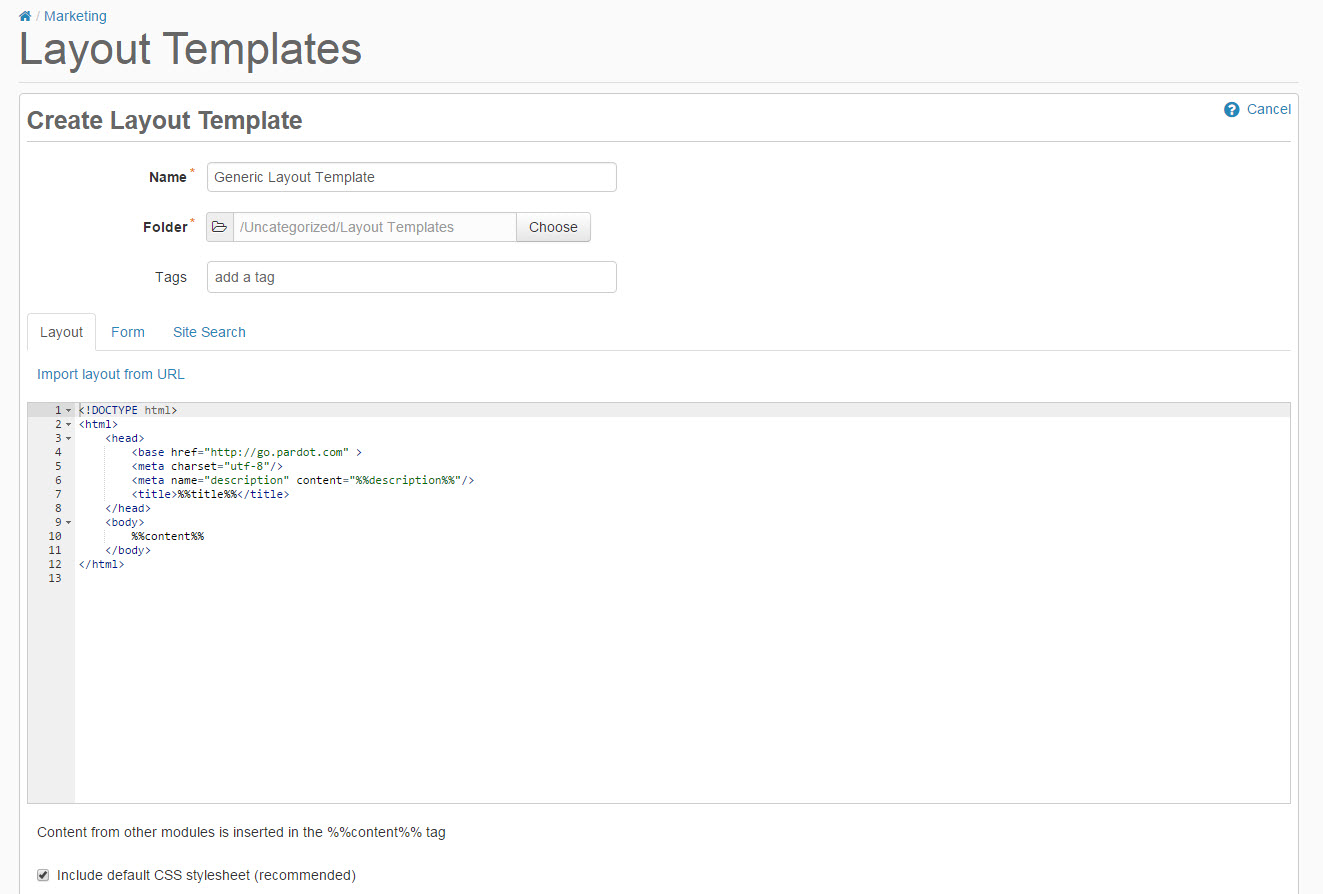
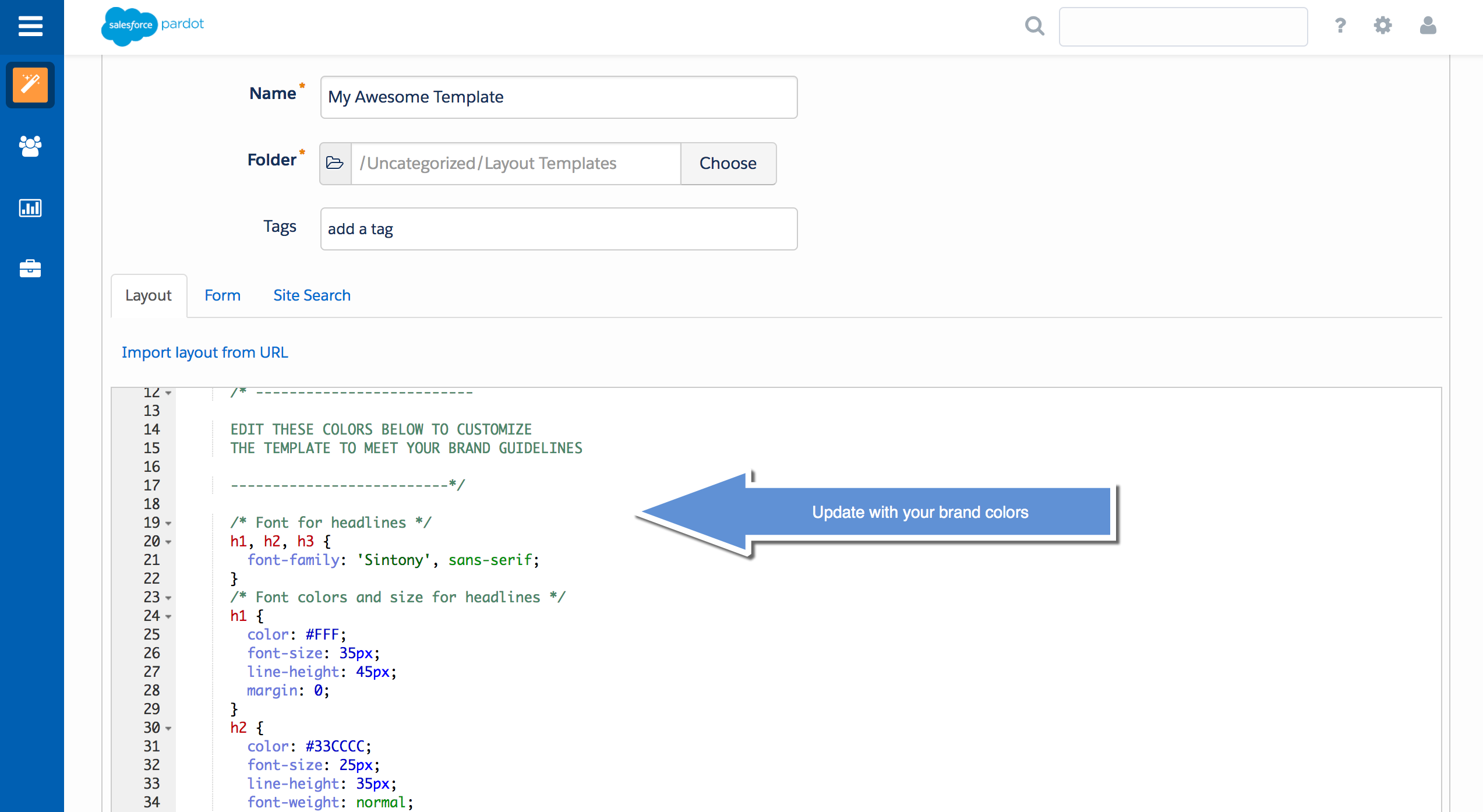
1. Create a new layout template in Pardot (Marketing > Landing Pages > Layout Template > Add Layout Template). Give your layout template a descriptive name and add your desired tags.
2. Copy the link to the template by clicking on one of the ‘copy link’ buttons below. This will copy the URL to your clipboard.
| Template #1 | View Demo |
| Template #2 | View Demo |
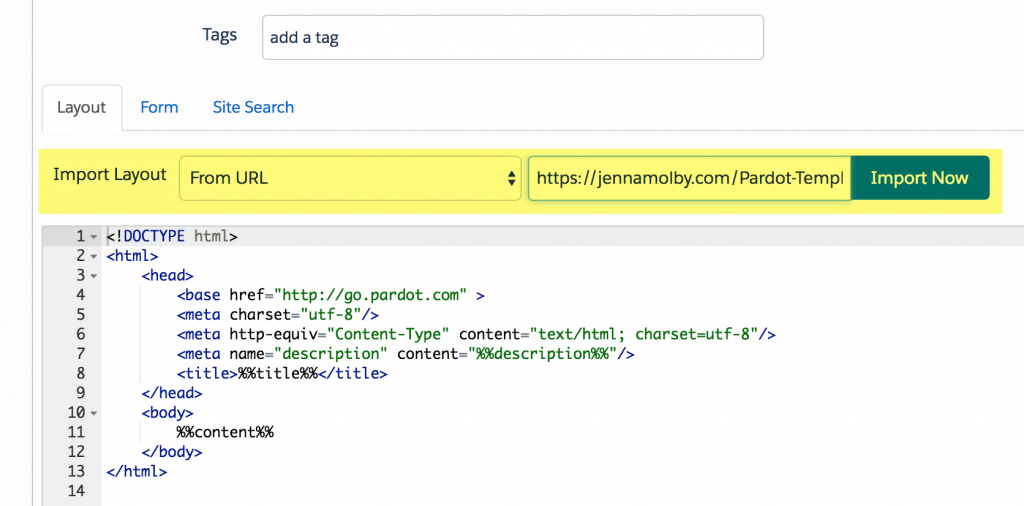
3. Navigate to the import layout drop down and select from URL. Paste the URL to the template into the text field and click import now.
Customizing Basics
All templates use the Bootstrap Framework and use Font Awesome for the social media icons. The CSS is directly in the template (no external CSS files are referenced other than the Bootstrap and FontAwesome library). You can easily modify the template to meet your branding requirements by modifying the hex codes directly in the template which are commented clearly within the template file.
Questions?
Send them to me via email, send me a tweet @jennamolby, or leave a comment
Looking for more Pardot Landing Page Templates?
Check out my free asset templates and my premium landing page template.
Can’t find what you’re looking for? I also create custom Pardot Landing Page Templates.

32 Comments
Hi Jenna – With the landing page templates, is it a best practice to:
1. Import Template
2. Remove Styling
3. Adjust Text Area into Pardot Regions
4. Create Landing Page
Do you have a “Best Practice” type guide for this?
Thank you for all your work.
Hi Matthew, No, I don’t have a best practice type guide for this, but that’s a great suggestion.
Hey Jenna, great post! What are the dimensions of the hero image you used?
Hi Brandon, thank you! The image dimensions for the hero are 1440 x 454.
Hi Jenna,
Thank you for these templates! Extremely helpful. Do you know if there is a way to include code to automatically update copyright year on a Pardot landing page? I just can’t seem to get it to work! I’ve been trying a snippet of Java. Maybe I’m not placing it in the right place. I would really appreciate your help, thanks, Jenna!
Hi Amanda, You’re welcome! Adding this piece of code where you want the year to appear should do the trick
<script>document.write(new Date().getFullYear())</script>